How to Convert TikTok Videos to MP3 Audio
Sometimes you do not need the video at all. Whether it is a viral track, a creator's voiceover, or a sound effect, TikSaveHub converts TikTok video URLs into MP3 audio files. The extraction runs server-side and produces files at up to 320kbps. No app installation is required.
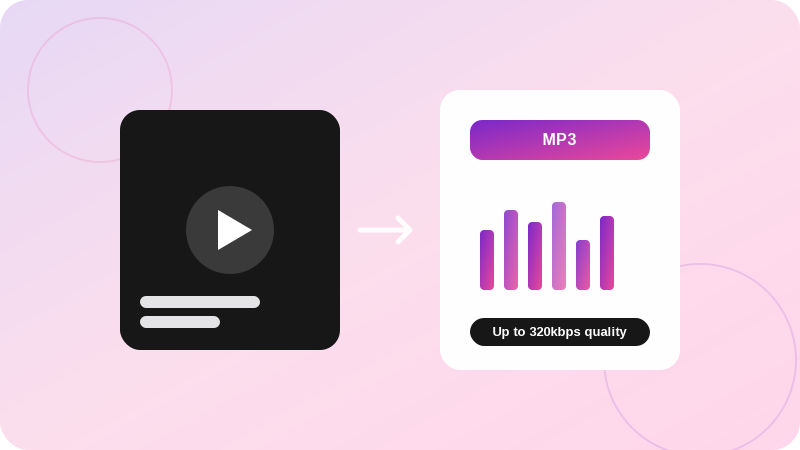
How to Convert TikTok to MP3
Copy the TikTok Video Link
Open TikTok, find the video, tap Share, then tap Copy Link.
Open the MP3 Converter
Go to the TikTok to MP3 converter on TikSaveHub and paste the link.
Extract the Audio
Tap Convert and wait a few seconds for the MP3 to be generated.
Download the MP3 File
Save the MP3 file to your device at up to 320kbps quality.
What Can You Use TikTok MP3s For?
- RingtonesTurn a favorite sound into your phone ringtone
- Editing and remixingUse vocal stems and sound effects in your own edits
- Backing tracksPlay clean audio for dance or content practice
- Podcast clipsRepurpose short audio bites in longer shows
MP3 Quality Explained
- 128kbpsFine for speech and quick references
- 192kbpsGood balance of file size and audio quality
- 320kbpsBest quality. Recommended for music and remixing
TikSaveHub extracts at up to 320kbps, so you always get a clean, full-sounding file.
Frequently Asked Questions
Can I convert TikTok to MP3 for free?
Yes. TikSaveHub converts TikTok video URLs to MP3 audio at up to 320kbps. No account is required.
What is the highest MP3 quality available?
TikSaveHub outputs MP3 audio at up to 320kbps for clear, full-quality sound.
Can I convert Instagram audio too?
Yes. Use the Instagram audio downloader to extract sound from Instagram Reels and videos.
Related Tools
- TikTok to MP3 - Convert TikTok videos to MP3 audio
- TikTok Video Downloader - Save TikTok videos without watermark
- Instagram Audio Downloader - Extract audio from Instagram Reels
- Facebook to MP3 - Extract audio from Facebook videos
Ready to download your first clean video?
Remove watermarks from TikTok videos in seconds. Free, fast, and no account needed.
Try TikSaveHub Now