TikTok Download Not Working? Try These Steps First
Most failed TikTok downloads come down to three things: a link that was copied incorrectly, a video that is private or already removed, or a downloader that stopped working. Run through the four steps below first — they fix the majority of "nothing happens" and "invalid link" errors.
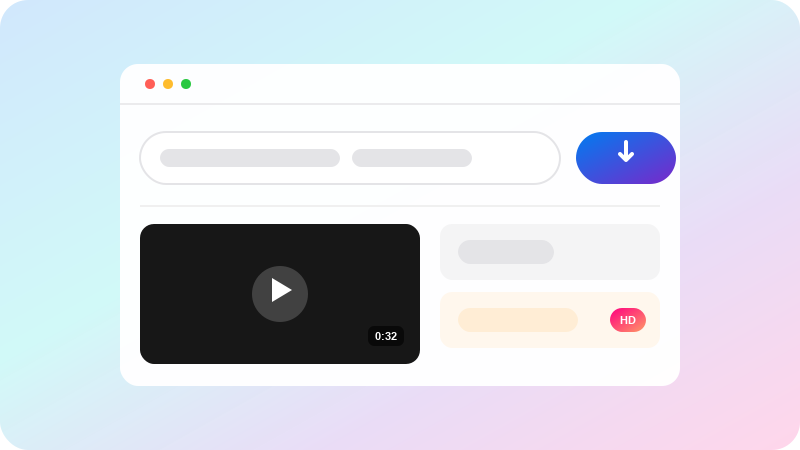
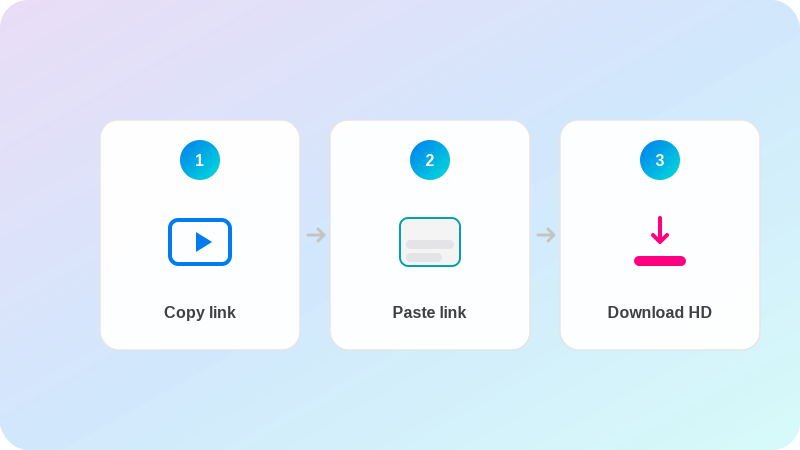
- Copy the TikTok link: Open the TikTok app, tap Share, then tap Copy Link
- Paste on TikSaveHub: Visit TikSaveHub and paste the URL into the input box
- Click Download: Wait a few seconds. The video (HD MP4) appears without any watermark
- Save to device: Click the download button to save the clean TikTok video
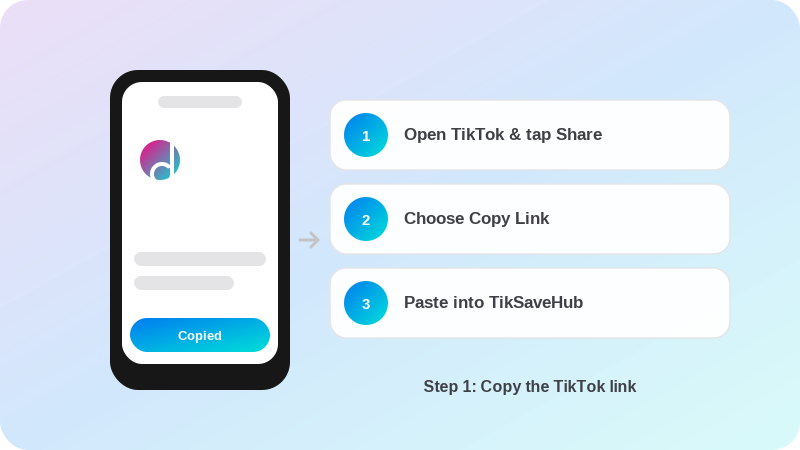
This works on Safari or Chrome on any device. For Android/iPhone, use the browser. No extra apps required. On PC/Mac, open the site in your browser and paste the link.
Why TikTok Downloaders Fail and How to Fix It
Users often report errors like "video not downloading" or "invalid link." Common causes:
- Private videosTikTok must be set to public. Private videos cannot be fetched
- Bad copy linkMake sure you copied the full URL starting with `https://www.tiktok.com/`
- Server issuesSome sites add their own watermark. Use a tool that delivers clean files
If a download link is stuck, try refreshing TikSaveHub or checking your internet connection.
TikSaveHub vs Other TikTok Downloaders
Here is how TikSaveHub compares to popular tools:
- No watermark (clean MP4)TikSaveHub Yes. SnapTik Yes. SSSTik Yes.
- HD quality (Full HD)TikSaveHub Yes. SnapTik Yes. SSSTik Yes.
- No login/app requiredTikSaveHub Browser only. SnapTik Browser only. SSSTik Browser only.
- TikTok to MP3 conversionTikSaveHub Built-in. SnapTik No. SSSTik Yes.
- Global accessTikSaveHub Worldwide. SnapTik Worldwide. SSSTik Worldwide.
All three tools allow unlimited free downloads. TikSaveHub differentiates with built-in audio extraction and a click-to-analyze workflow.
How to Extract Audio from TikTok Videos
TikSaveHub extracts audio from TikTok videos at up to 320kbps. Creators use this to save viral sounds for editing or remixing. The converter works globally.
Visit the TikTok to MP3 Converter to extract audio from any TikTok link.
How to Download Instagram Reels
TikSaveHub also offers an Instagram Video and Reels Downloader. Save any Instagram Reel or video in HD without watermark. This tool handles Instagram's download restrictions.
Tips from Content Creators
- Upload without watermarkWatermarked clips receive lower engagement on Instagram and YouTube
- Add trending audioMix 1-2% volume of trending music to older clips before reposting
- Use HD qualityStart with the highest resolution available when editing in CapCut or Premiere
- Post at peak hoursResearch peak hours for your target region to maximize first-hour engagement
Frequently Asked Questions
Can I download TikTok videos without watermark for free?
Yes. TikSaveHub and similar tools like SnapTik and SSSTik offer free downloads. No account or payment is required.
Does TikSaveHub work on iPhone, Android, and PCs?
Yes. TikSaveHub is browser-based. No installation is required. It supports any device and operating system.
How do I fix invalid URL errors?
Make sure you copied the full TikTok link using the Share button and Copy Link option. Retry after copying the link again.
Can I download private or restricted TikTok videos?
No. TikSaveHub and similar tools can only fetch public TikTok videos. Private account content cannot be accessed.
What formats can I download from TikSaveHub?
TikSaveHub outputs MP4 video by default, with an option to download MP3 audio at up to 320kbps.
Related Tools
- TikTok Video Downloader - Save TikTok videos without watermark
- TikTok to MP3 - Extract audio from TikTok videos
- Instagram Reels Downloader - Download Instagram Reels in HD
- X/Twitter Video Downloader - Save videos from X/Twitter
Ready to download your first clean video?
Remove watermarks from TikTok videos in seconds. Free, fast, and no account needed.
Try TikSaveHub Now