How to Download Instagram Reels Without Watermark
Instagram Reels are short, vertical videos that dominate feeds and the Explore page. Saving them for offline viewing, repurposing, or sharing to other platforms is possible with the TikSaveHub Instagram Reels downloader. No app is required.
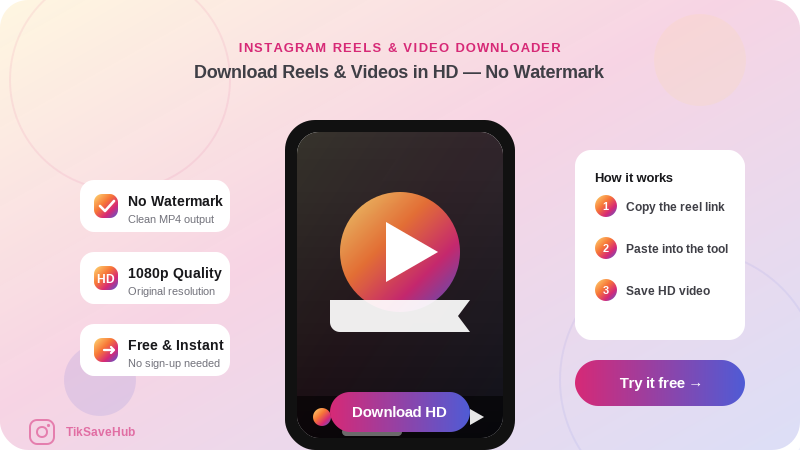
This guide shows you how to download any public Reel in HD without a watermark, plus how to fix the most common errors. If you would rather paste a link and press one button, use the free Reels downloader tool instead of following the steps below.
Why Download Reels Without a Watermark?
- Cross-postingClean Reels perform better on TikTok and YouTube Shorts
- Offline accessWatch saved Reels without internet on a flight or commute
- ArchivingBack up your own Reels before you edit or delete them
- Editor workflowStart with the highest-quality file when editing in CapCut or Premiere
Because so many people only want the file, every reason above is covered by one free tool: paste the link into the Instagram Reels downloader and the watermark-free MP4 is ready in seconds.
How to Download an Instagram Reel (Step-by-Step)
Copy the Reels Link
Open the Instagram app, tap the Share button under any Reel, then choose Copy Link.
Paste the Link into TikSaveHub
Visit TikSaveHub and paste the link into the download box.
Click Download
Tap Download and wait a few seconds while TikSaveHub fetches the HD file.
Save the MP4
Choose the HD MP4 option and save it to your iPhone, Android, or PC.
Fixing Common Reels Download Errors
- Private accountOnly public Reels can be downloaded
- Link not workingMake sure you copied the full URL starting with instagram.com
- Stuck on processingRefresh the page and try again, or check your connection
- Wrong content typeReels use /reel/ links; video posts use /p/ links
The last one trips up most people. If your link points to a photo or a feed post rather than a Reel, switch to the Instagram video downloader — it handles both shapes. If it is a temporary Story, the Instagram Story downloader grabs it before it expires.
Frequently Asked Questions
Can I download Instagram Reels without watermark for free?
Yes. Paste the Reels link into TikSaveHub and download a clean HD MP4 with no watermark. No payment is required.
Do Reels downloaders work on private accounts?
No. Only public Instagram content that you can view in a browser can be downloaded.
Will I get the original quality?
Yes. TikSaveHub fetches the file at the highest available resolution, up to 1080p, without re-encoding.
Related Tools
- Instagram Reels Downloader - Download Instagram Reels without watermark
- Instagram Video Downloader - Save Instagram videos and posts
- Instagram Story Downloader - Download Instagram Stories
- Instagram Audio Downloader - Extract audio from Instagram Reels
Want to skip the reading?
Use our free Instagram Reels downloader: paste a Reel link, get a clean HD MP4 up to 1080p in seconds. No app, no sign-up.